Routes Not Completed
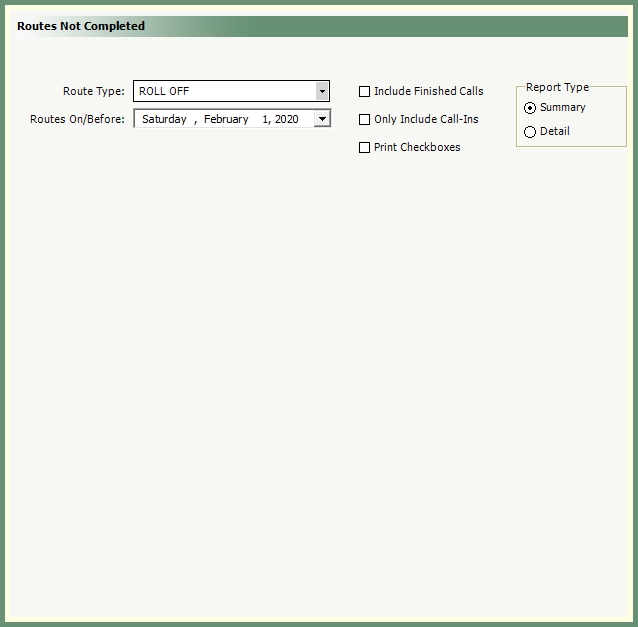
Generate a summary or detail list of routes not completed by route type and date.
Navigate To: Report>Report Center>Routes Not Completed
|

|
-
Select all or specific Route Type.
-
Select On/Before Date.
-
Optional Selections: Include Finished Calls, Only Include Call-Ins, Print Checkboxes.
-
Select Report Type Summary or Detail.
-
Select an output.