Vendors |

|
Add and modify the vendors to apply when ordering parts and entering third party repair orders.
|
|
Prior to ordering parts, a list of your Vendors will need to be created and associated to parts created in Part Maintenance.
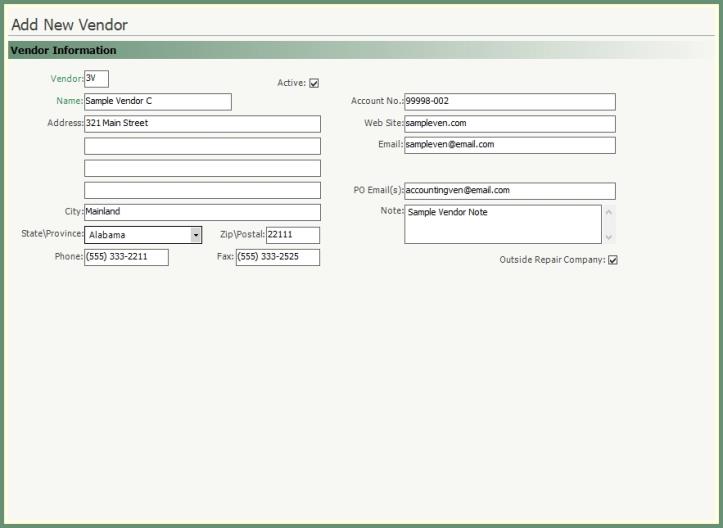
Navigate To: Parts>Add Vendor

-
Enter a unique 2-digit code.
-
Enter the Vendor Name.
-
Fields in black are optional. Populate as needed.
-
Apply your company account number with the vendor in the account no. field.
-
The Web Site & Email fields can be populated with the vendor's website and contact email address.
-
PO Email field can be populated with a single or multiple email addresses separated by a semicolon. Only the email addresses in this field will receive an emailed purchase order.
-
Select Outside Repair Company to allow this vendor to be applied to third party repair orders.
-
Click Save to add vendor parts.
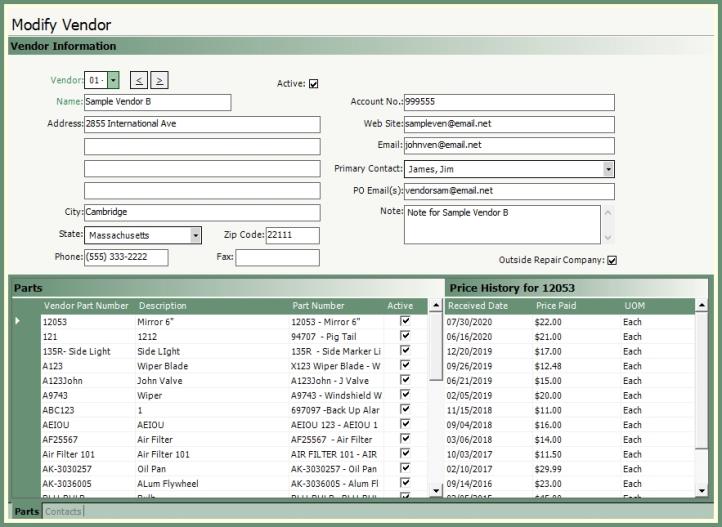
Associate vendor parts to existing part numbers from part maintenance once the vendor information has been saved.
|
|

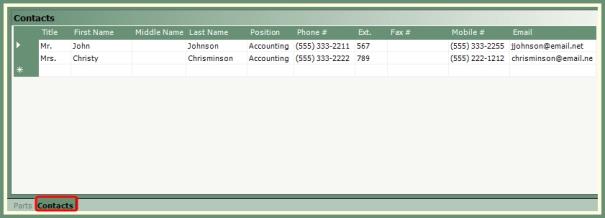
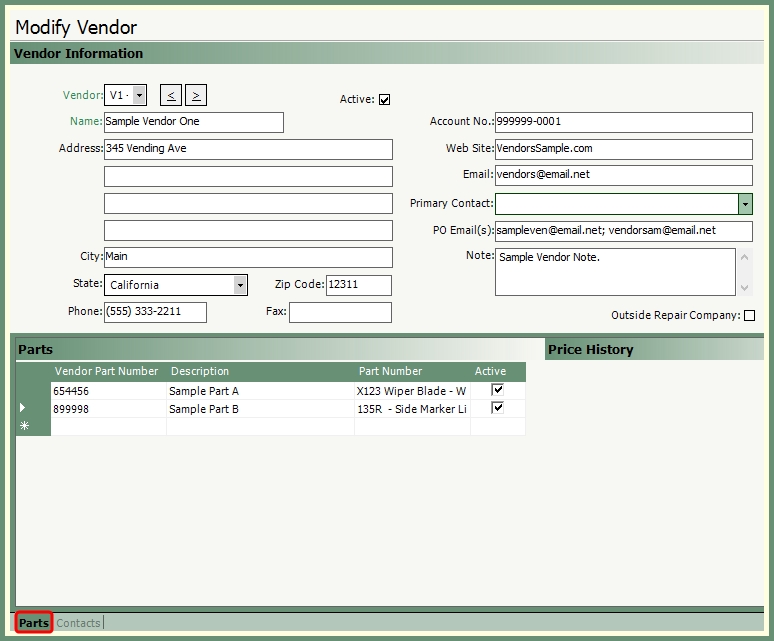
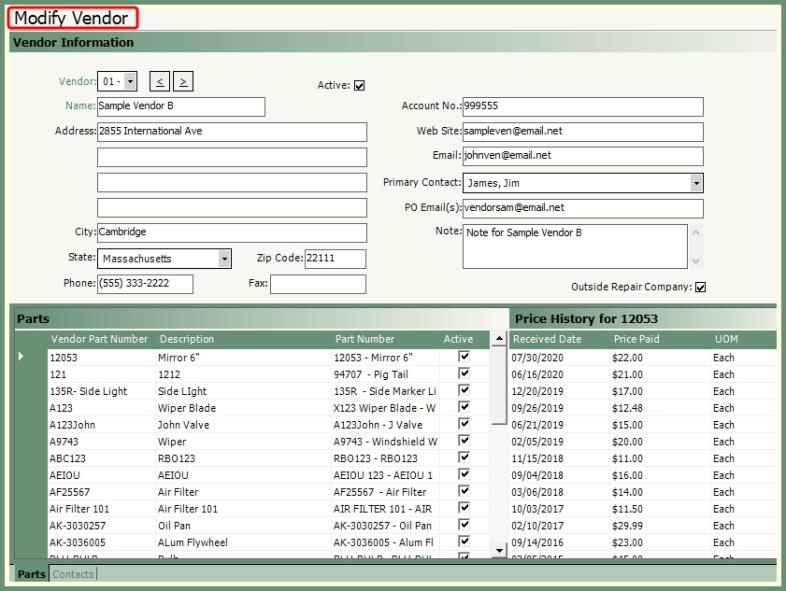
Recall an existing vendor to modify vendor information.
|
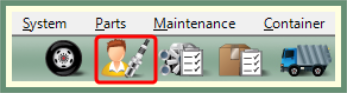
Navigate To: Parts>Modify VendorOR Click the Shortcut in the top banner. |
|
|
|