General Ledger
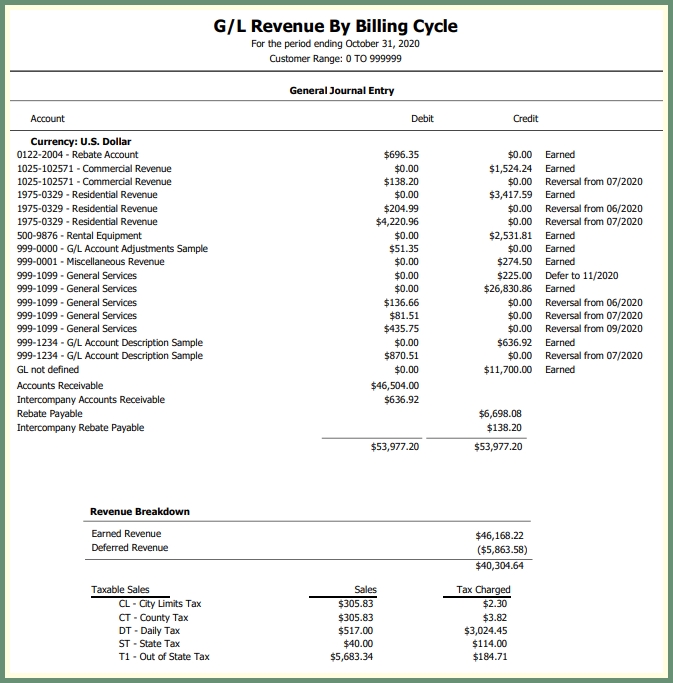
Generate a revenue report by period per general ledger account. See more about General Ledger here.
Navigate To: Report>Report Center>Accounting>General Ledger
|
|
-
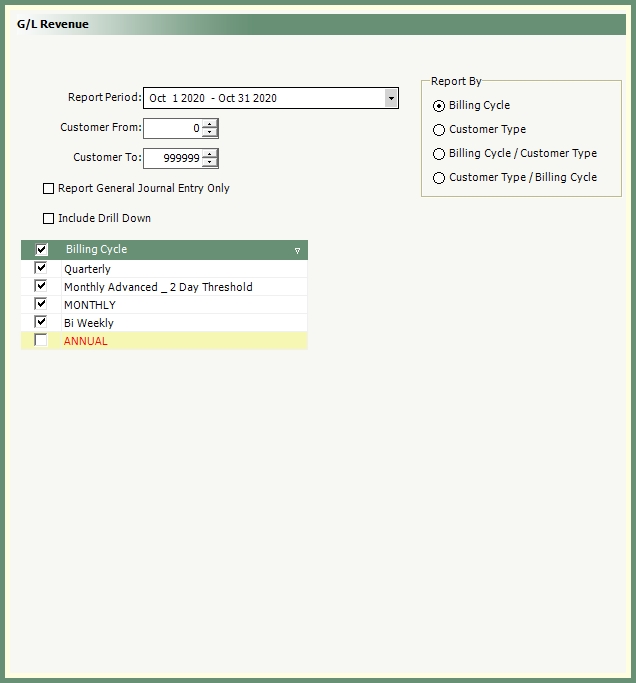
Select a reporting period from the drop down. See more about period end timetable here.
-
Customer Range will default to all. Change as needed.
-
Optional selections: Report General Journal Entry Only and Include Drill Down.
-
Select all, multiple or single Billing Cycle.
-
Select Report By option: Billing Cycle, Customer Type, Billing Cycle/Customer Type or Customer Type/Billing Cycle.
-
Select an output.